Blog / Seasonal guides
Amazon PPC after the Great Indian Festival: a 14-day reset plan
The sale ended, orders went back to normal, and the ad spend didn't. If your Amazon PPC still looks like it's the Great Indian Festival, this is for you.
Updated 2026-11-21
The short answer
After the Great Indian Festival, put back the bids and budgets you raised for the sale within a day or two. Don't judge the sale's ACoS until Amazon's attribution window has closed: 7 days after the last click for Sponsored Products, 14 for Sponsored Brands. Then compare against normal weeks, not the sale.
Why the days after the sale cost more than you think
Amazon says the Great Indian Festival 2026 ran through 10 November. In its first-week update for sellers, Amazon reported seller sales of up to 3.5x a normal week and its highest seller participation so far, up nearly 30% on last year. More sellers bidding on the same shoppers is exactly why so many of us raised bids and budgets in October.
Here is the problem. The shoppers left on 11 November. Raised bids don't leave unless someone takes them back. Say you pushed a keyword from ₹8 to ₹14 for the sale. It keeps paying ₹14 a click in a week when people browse and don't buy. Across 30 keywords, that adds up fast, and it eats into what the sale made.
Amazon Ads reporting adds a second trap. Sales are credited to the ad click, not the order date, and they arrive late. If you judge the sale on 12 November, it looks worse than it was. If you judge the week after on 12 November, it looks better than it is. The plan below handles both.
The 14-day plan, day by day
Count from the last day of the sale (day 0). For the Great Indian Festival 2026 that is 10 November. The same plan works after Prime Day, a Republic Day sale or your own deal.
The dates come from attribution. Amazon's advertising FAQ for sellers gives a standard attribution window of 7 days for Sponsored Products and 14 days for Sponsored Brands. A click on the last day of the sale can still turn into a counted sale a week or two later, so the sale's real ACoS isn't known until then.
| When | Great Indian Festival 2026 | What to do |
|---|---|---|
| Day 1 to 2 | 11 to 12 Nov | Put back the bids and budgets you raised for the sale. Check stock on your top ASINs. |
| Day 3 to 7 | 13 to 17 Nov | Leave sale-day numbers alone. Sort search terms into keep, wait and block. |
| Day 7 | 17 Nov | Last day a Sponsored Products click from day 0 can still earn a counted sale. |
| Day 10 | 20 Nov | Judge Sponsored Products results for the sale. Add the negatives you parked. |
| Day 14 | 24 Nov | Last day a Sponsored Brands click from day 0 can still earn a counted sale. |
| Day 17 | 27 Nov | Judge Sponsored Brands. Write your notes for next year. |
Attribution windows from Amazon's own advertising FAQ: 7 days for Sponsored Products, 14 days for Sponsored Brands. The extra 3 days cover Amazon's late adjustments to attributed sales.
Day 1 to 2: put back what you raised
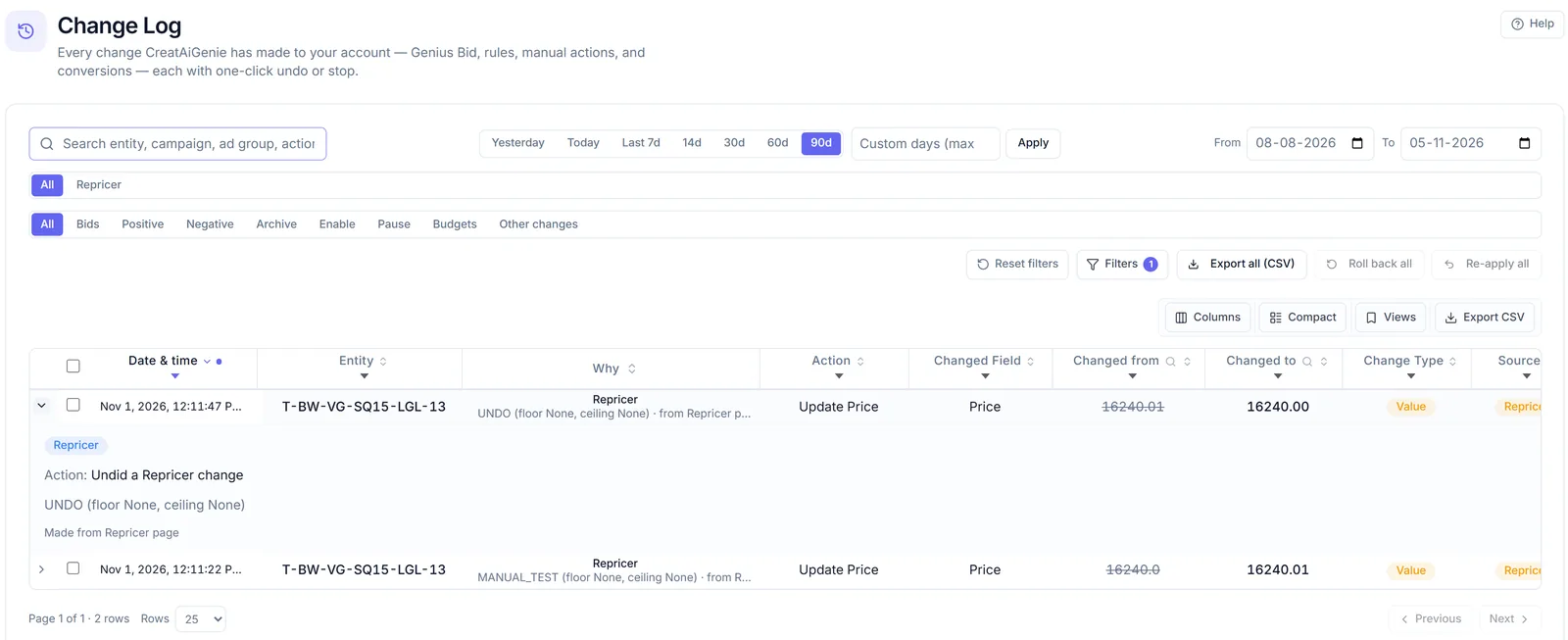
Start with the changes you made, not with the numbers. If you can't remember them all, each campaign in Amazon Ads has a History tab with the old and new values. Our guide on checking what changed in your PPC shows what that tab covers and what it leaves out.
- List every campaign whose daily budget went up for the sale. Set each back to its pre-sale budget, or to its average daily spend in the two normal weeks before, whichever is higher.
- List the keywords and targets whose bids you raised. Set them back to their pre-sale bid. Don't cut below it to "make up" for the sale; the sale is already paid for.
- Check placement boosts. A top-of-search increase added for the sale keeps multiplying every bid on that campaign until you remove it.
- Turn off any sale-only campaigns, such as ones built around deal or festive terms. Pause them, don't archive them. You'll want them again next October.
One thing not to undo yet: anything that was working before the sale too. If a campaign was profitable in September and you only raised its budget, cut the budget back and leave the rest.
Check stock before you check ACoS
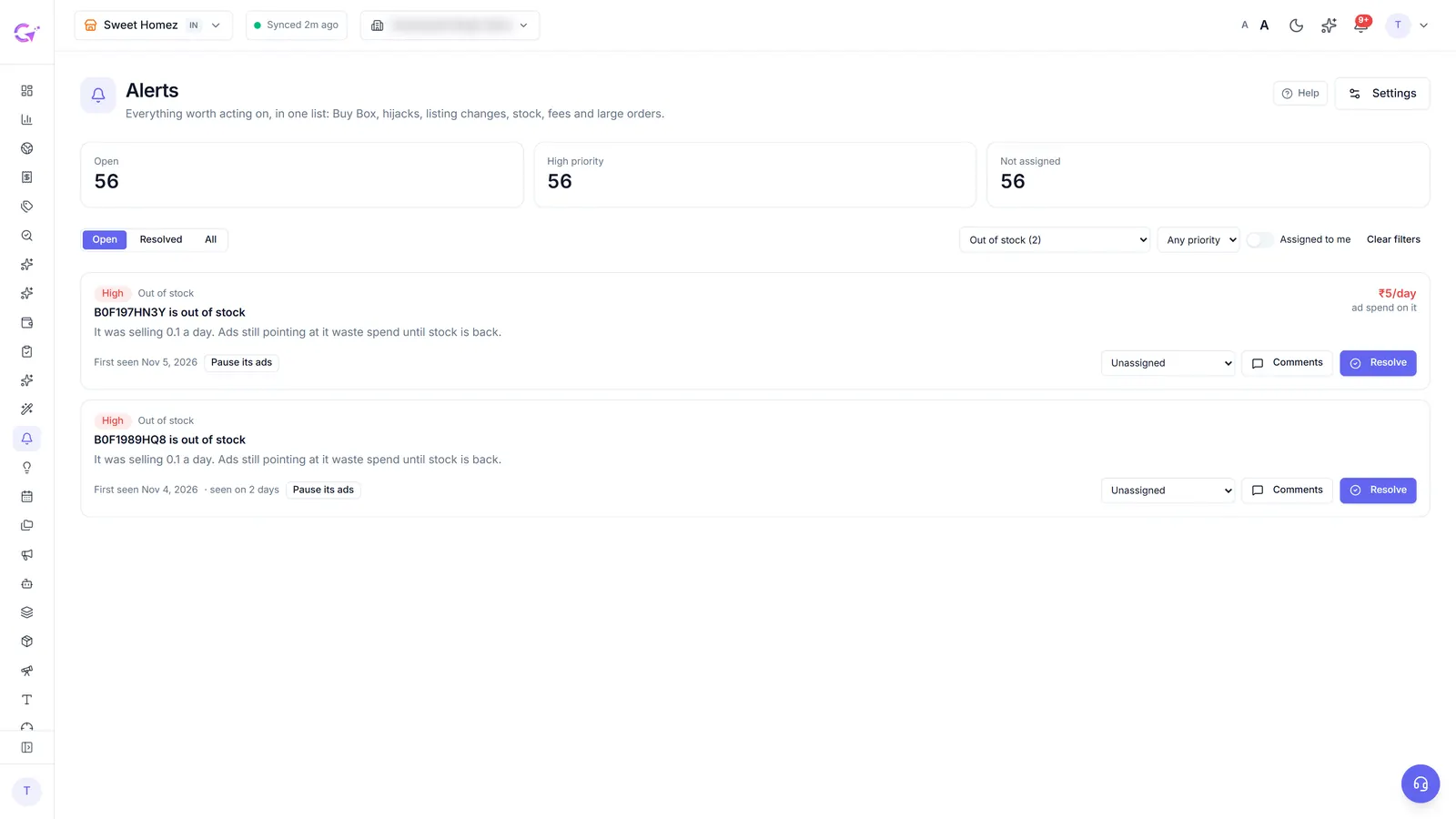
A sale that sold 3x faster than normal leaves gaps. An ASIN with 9 days of cover left is a different problem from one with 60. For the low ones, lower bids now so the stock lasts until the next shipment is live, instead of selling out at full ad cost and then losing rank while you're out.
Also check who has the Buy Box. Prices move a lot in the week after a sale as sellers clear stock. Sponsored Products ads generally need your offer to be the featured one to show, so a lost Buy Box means lost ad sales and organic sales at once, and a price cut to win it back changes your break-even. Our guide on pausing ads when you lose the Buy Box or stock runs low has the thresholds we use.
Day 3 to 7: sort the sale search terms into three piles
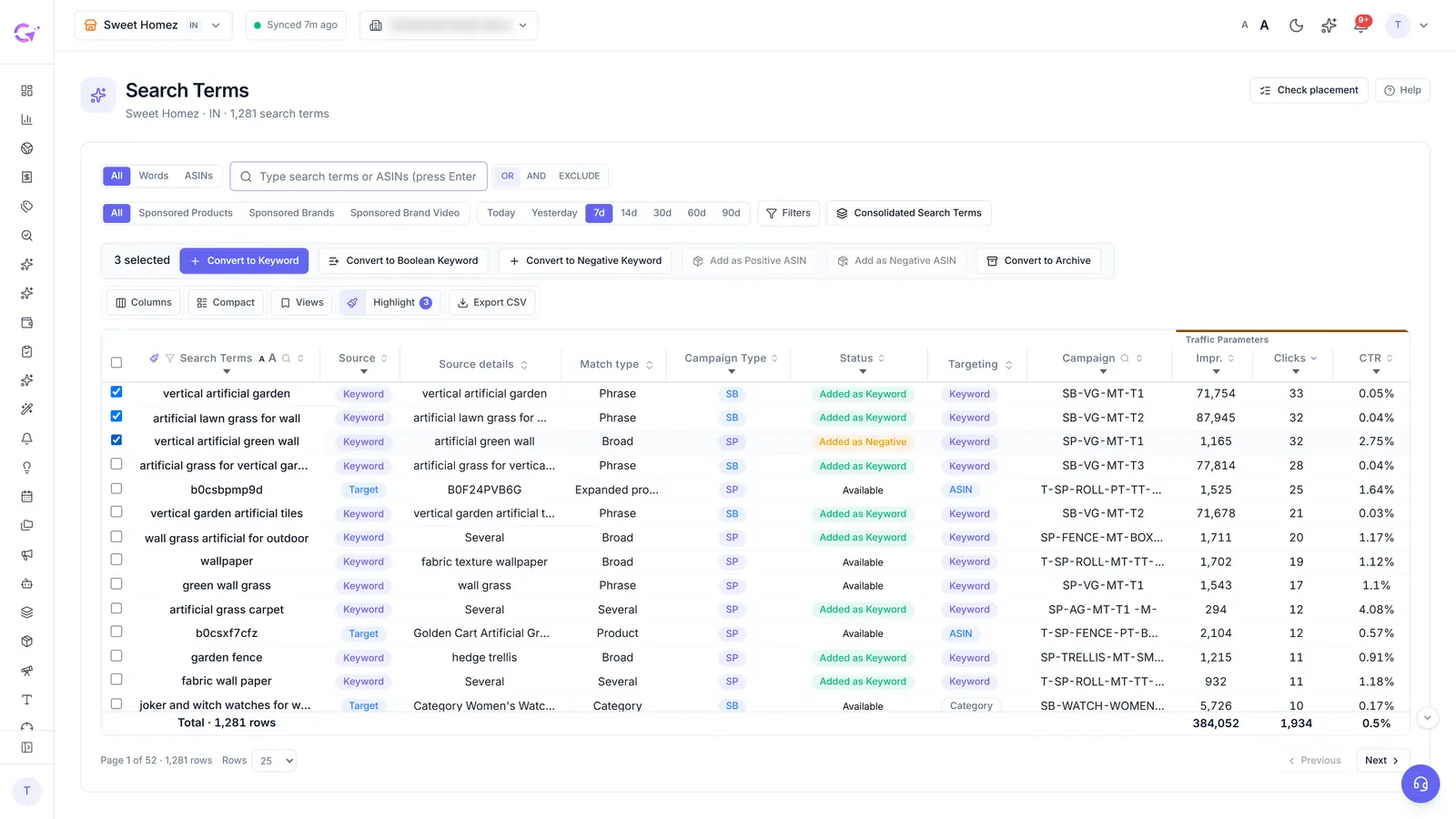
The search term report from a sale is the richest one you'll get all year, and the easiest to misread. Shoppers search differently in a sale: more "offer", "under 500", "combo" and gift terms. Download the report for the sale dates and for the four weeks before it, then sort each term:
| Pile | What it looks like | What to do |
|---|---|---|
| Keep | Ordered before the sale and during it | Add as an exact-match keyword at your normal bid, not the sale bid. |
| Wait | Ordered only during the sale (deal, price or gift terms) | Don't promote and don't block. Park them in a list for next year's sale campaign. |
| Block | Spent in both periods with no orders | Add as a negative, but only after day 10, once late sales have had a chance to show. |
Use clicks, not just spend, to decide. A term with 4 clicks and no order is not proof of anything yet.
The Wait pile matters most. Negating festive terms in November feels tidy and costs you next October, because they convert again when the shoppers come back. Our guide to blocking wasted search terms covers how many clicks to wait for before calling a term wasted.
Day 10 onward: judge the sale against the right weeks
By day 10, Sponsored Products numbers for the sale have mostly settled. Even then, a few late adjustments come through, so a number that moves slightly the next day isn't a bug. Our help page on why numbers keep updating explains the normal delays, and Troubleshooting covers connection problems.
Now compare three periods for the same campaigns: two normal weeks before your sale prep started, the sale itself, and the two weeks after it. Look at ACoS, but also at total sales and TACoS. A sale often lifts organic rank for a while, and that shows in total sales, not in ad sales.
- Post-sale ACoS back near pre-sale levels: your reset worked.
- Post-sale ACoS still well above pre-sale: something raised is still raised. Check placements and bids again.
- Post-sale total sales above pre-sale with the same ad spend: the sale built rank. Hold bids steady and let it run before cutting.
Then check profit, not just ACoS. Festive orders come back as returns in the weeks after, and those returns don't show in your ads report at all. If your refund rate jumped, your break-even ACoS dropped with it. Our guide to break-even ACoS and the free ACoS calculator show how to redo the sum.
Write it down for next year
The most useful thing you can do on day 17 takes ten minutes. Write down:
- Which campaigns ran out of budget on sale days, and at what time.
- How much you raised bids and budgets, and when you put them back.
- The Wait pile of search terms, ready to load into next year's sale campaign.
- Which ASINs ran low on stock, and how many days early you should have sent more.
In CreatAiGenie, Events & Promotions does part of this for you. You add the event with this year's dates as the previous occurrence, and before next year's sale it suggests budget and bid raises for the campaigns that spent 95% or more of their budget on a sale day this year. After the event ends, it suggests the revert. Nothing changes until you apply it, and there's no built-in festival calendar, so you add the dates yourself. It's on every plan, including the 14-day free trial.
Questions people ask
When did the Amazon Great Indian Festival 2026 end?
Amazon's India newsroom says the Great Indian Festival 2026 continued through 10 November 2026. Count your post-sale plan from that date.
Should I lower my Amazon PPC bids after a sale?
Put them back to where they were before the sale, not lower. Bids you raised for the sale keep charging sale prices for clicks after the sale shoppers have gone. Cutting below your normal bids only makes sense if those bids were already losing money before the sale.
How long should I wait to judge Amazon ads results after a sale?
For sellers, Sponsored Products credits sales up to 7 days after a click and Sponsored Brands up to 14 days. Add a few days for Amazon's late adjustments: judge Sponsored Products from about day 10 after the sale and Sponsored Brands from about day 17.
Should I add festive search terms as negatives after Diwali?
Usually not. Terms that only converted during the sale tend to convert again at the next one. Pause the campaigns built on them and keep the terms in a list instead of blocking them for good.
Why is my ACoS higher after the Great Indian Festival?
The common causes are raised bids, budgets or placement boosts that were never put back, sale-only campaigns still running, and fewer shoppers buying after the sale. Check your campaign History tab for anything you changed in October and November.
Check it in your own account
See pricing · Get a free PPC audit · Start a 14-day free trial